From brand and GTIN management to origin, design, print orders and public traceability. Explore the capabilities that bring your product information into the labeling workflow.
01 / Brand Manager
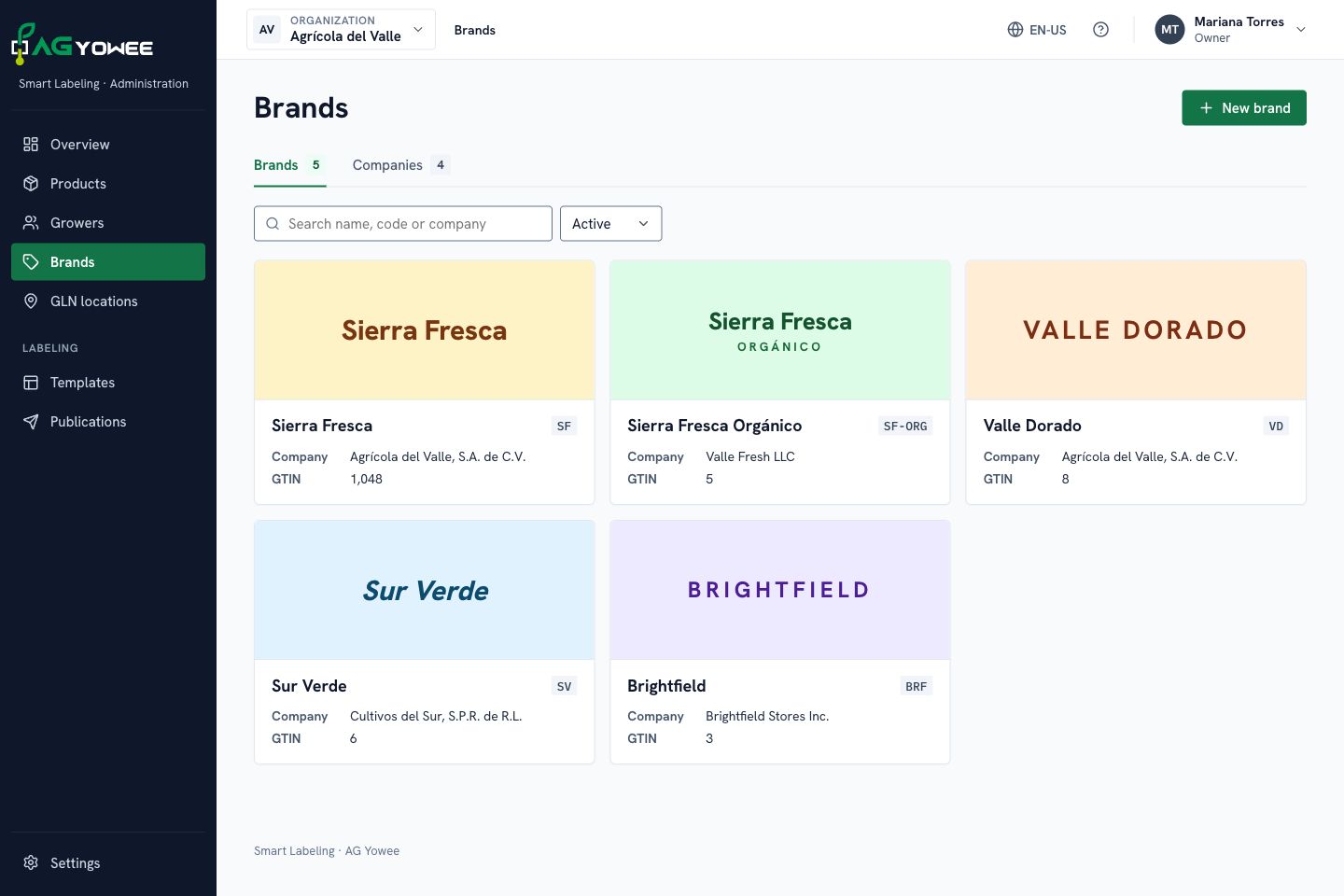
Every brand, organized.
Keep brand identity, owning companies and presentations together. Give every product a clear commercial context.
Organize brands and companies.
View each brand’s presentations.
Work with changes and published versions.
Concept view of Brands; sample data.
02 / GTIN Manager
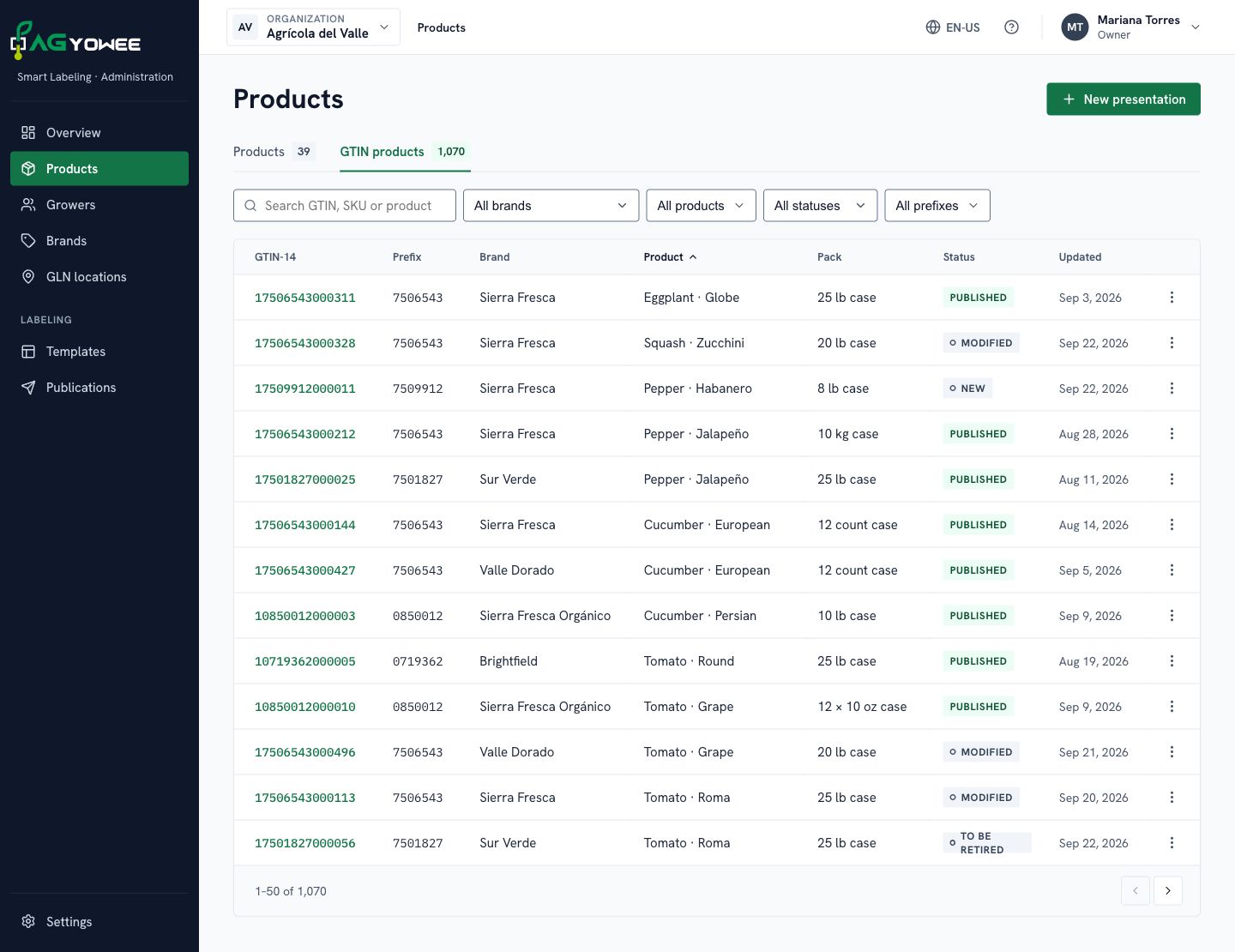
Product identity without repeated entry.
Connect products, brands, GTINs, SKUs and packaging. Find each presentation and maintain a consistent foundation for labeling.
Search by GTIN, SKU or product.
Organize presentations by brand.
Distinguish drafts from published information.
Concept view of the GTIN catalog; sample data.
03 / Grower Location
Origin with context.
Organize growers and their locations. Connect origin data, addresses and available GLN identifiers with your labeling operation.
Associate locations with each grower.
Keep available addresses and identifiers.
Connect locations and products.
Product origin
GrowerGrower identity
↓
LocationAddress · Available GLN
↓
Product and labelLinked origin information
Illustrative relationship between origin data.
04 / Label Designer
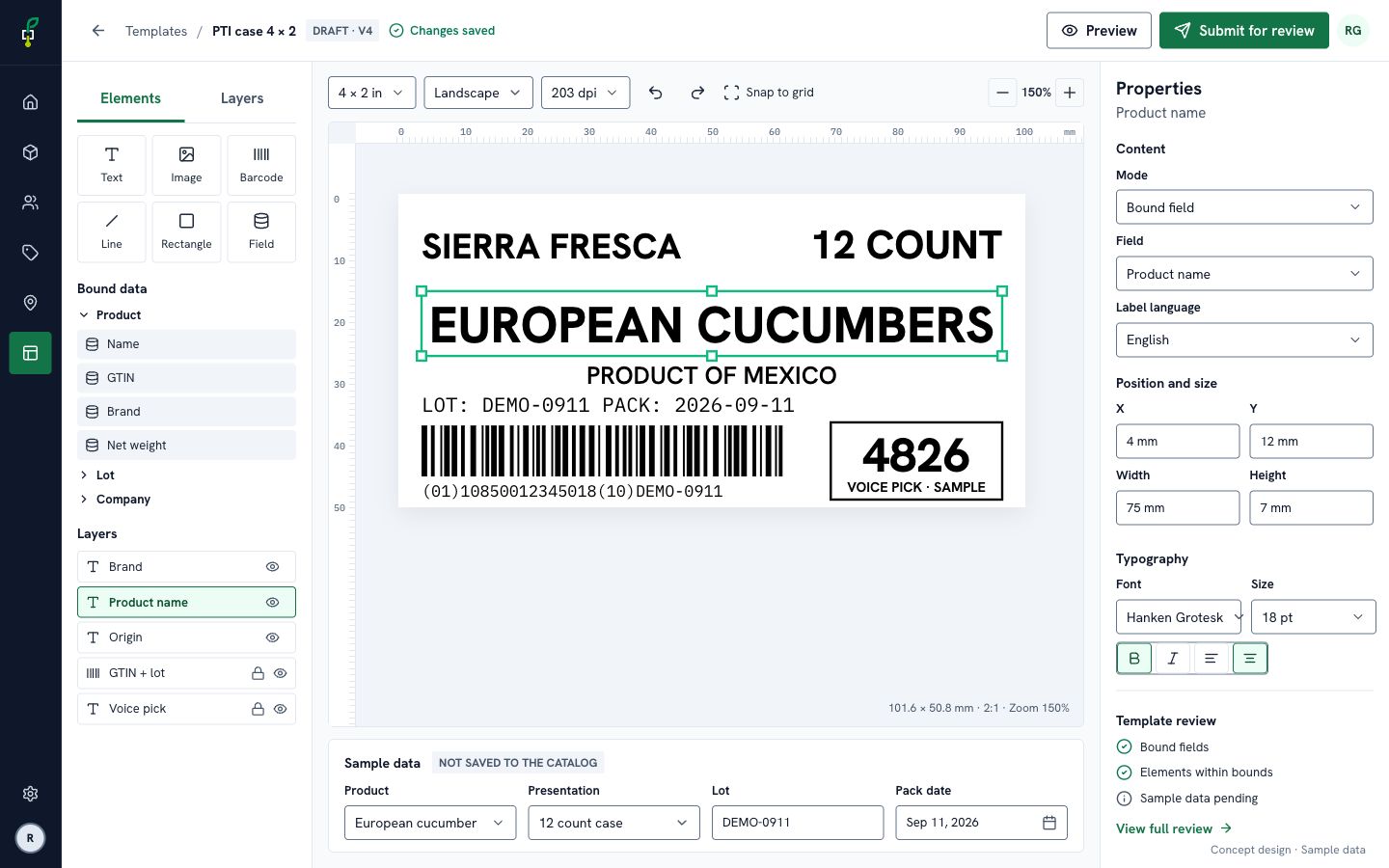
From information to the label.
Design physical layouts with text, images and catalog fields. Review sample data and adapt the layout to the print profiles your operation uses.
Combine GS1-128, UPC-A, QR and Data Matrix.
Bind fields to reuse information.
Review the design before publishing.
Concept view of the designer; sample data.
05 / Print Order
Plan every print order line.
Organize order lines, scheduling and commercial information. Review recorded progress and the results reported by printing stations.
Connect customer and purchase order.
Define order lines and planned quantities.
Review statuses and recorded progress.
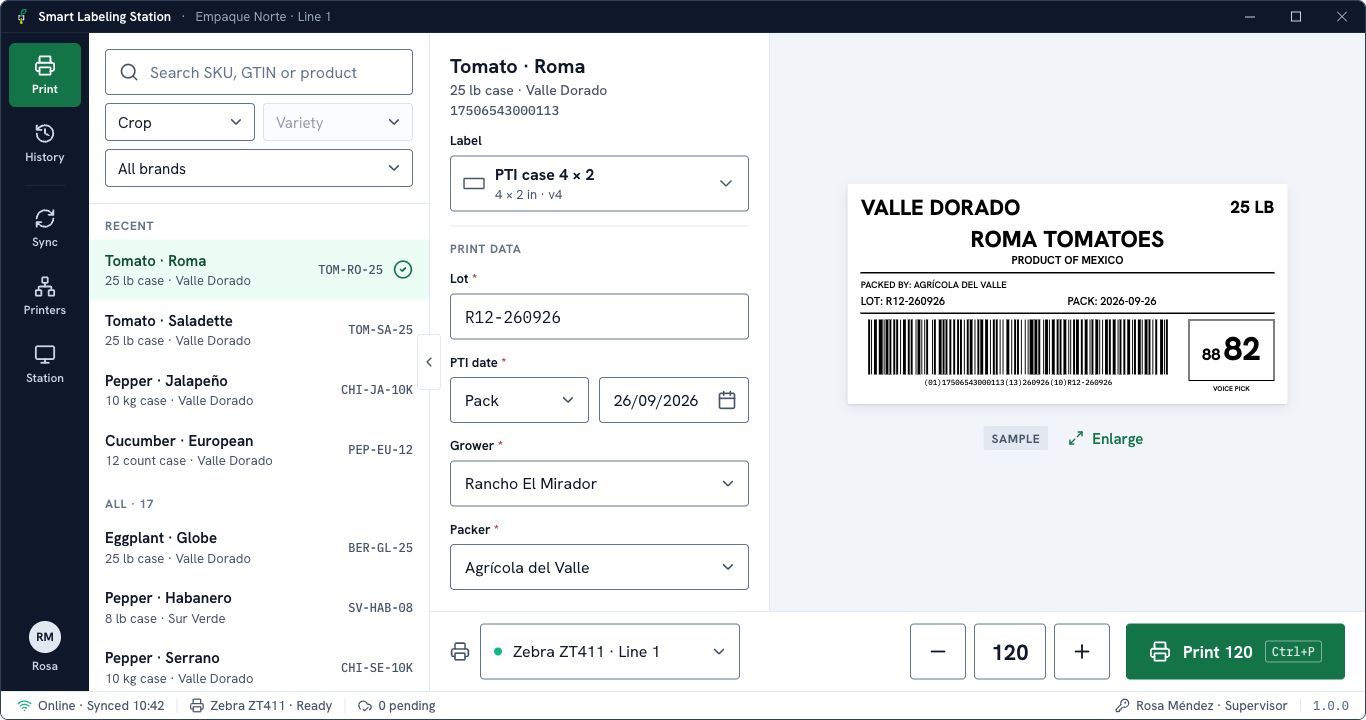
Concept view of execution in Station; sample data.
06 / Traceability
Information that travels with the product.
Connect the label QR with the public agtrace product page. Share published product, origin and lot information while keeping administration access separate.
Access the public product page without signing in.
Product, brand, origin, lot and available dates.
Information from published versions.
agtracePublic product page
Published information
The product and its origin.
Product
Sample information
Brand
Sample information
Origin
Sample information
Lot
Sample information
Illustrative example of public information.
PRINT COMPATIBILITY / 02
Built around your operation.
Manage from a web browser and print from a Windows or macOS station. Choose the print engine and resolution that match your equipment.
Available print engines and resolution profiles
Printer family
Configured language
Resolution profiles
Zebra
ZPL II
203 / 300 dpi
Honeywell
Direct Protocol (DP)
203 / 300 dpi
Datamax
DPL
203 / 300 dpi
Compatibility depends on the model, firmware, active language, and connection. Not every printer from the same brand supports the same language. Validate your label format, alignment, and barcode readability on the actual printer before production, including at 300 dpi.
Web administrationWindows / macOSGS1-128 · UPC-A · QR · Data MatrixPTI case label profile
Before you get started
Do I need to stay online?+
Internet is needed to activate and synchronize the station and renew its authorization. Local printing can continue with downloaded content while that authorization remains valid; it is not unlimited offline access.
Will the same label look identical on every printer?+
A label keeps its physical design, but native fonts, resolution, and firmware can affect the printed result. Each equipment configuration needs a physical sample and readability check.
Are Smart Labeling and PTI the same thing?+
Smart Labeling is the AG Yowee product. PTI is a produce labeling standard implemented through a case label profile. Using a profile does not by itself certify a printer, label, or operation.
 agtrace